
AzitPlus Blog
Find how to use AzitSplit for your situation, plus tips for making Shorts and update news.
Getting started
Install
How to install AzitSplit for free from the Microsoft Store (from the AzitSplit website or from the Microsoft Store app in Windows) and what you see the first time you open it.
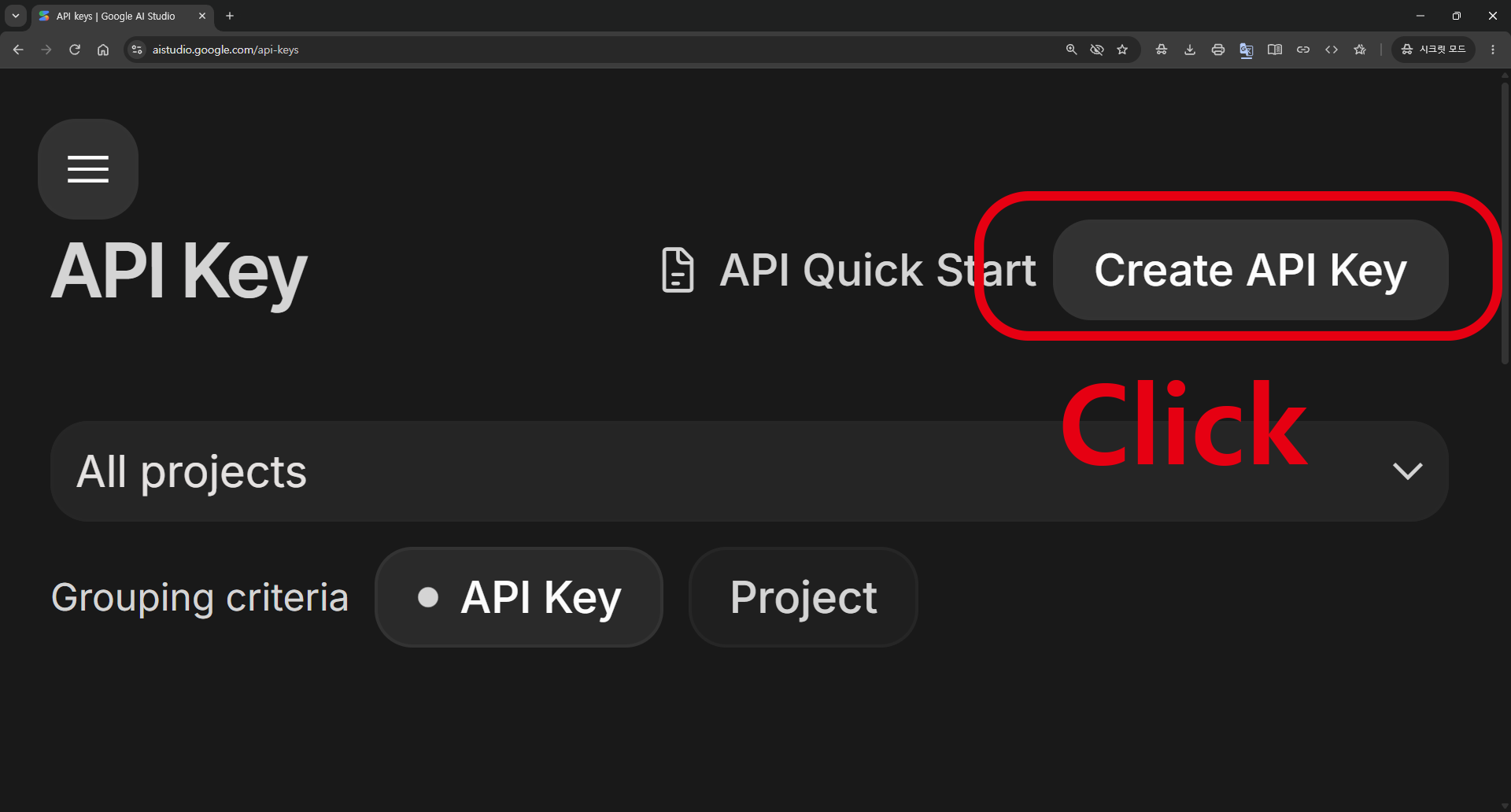
Register your API key
How to get the free Gemini API key that AzitSplit's AI features use with your Google account, and register it in the app, following the screens in order.
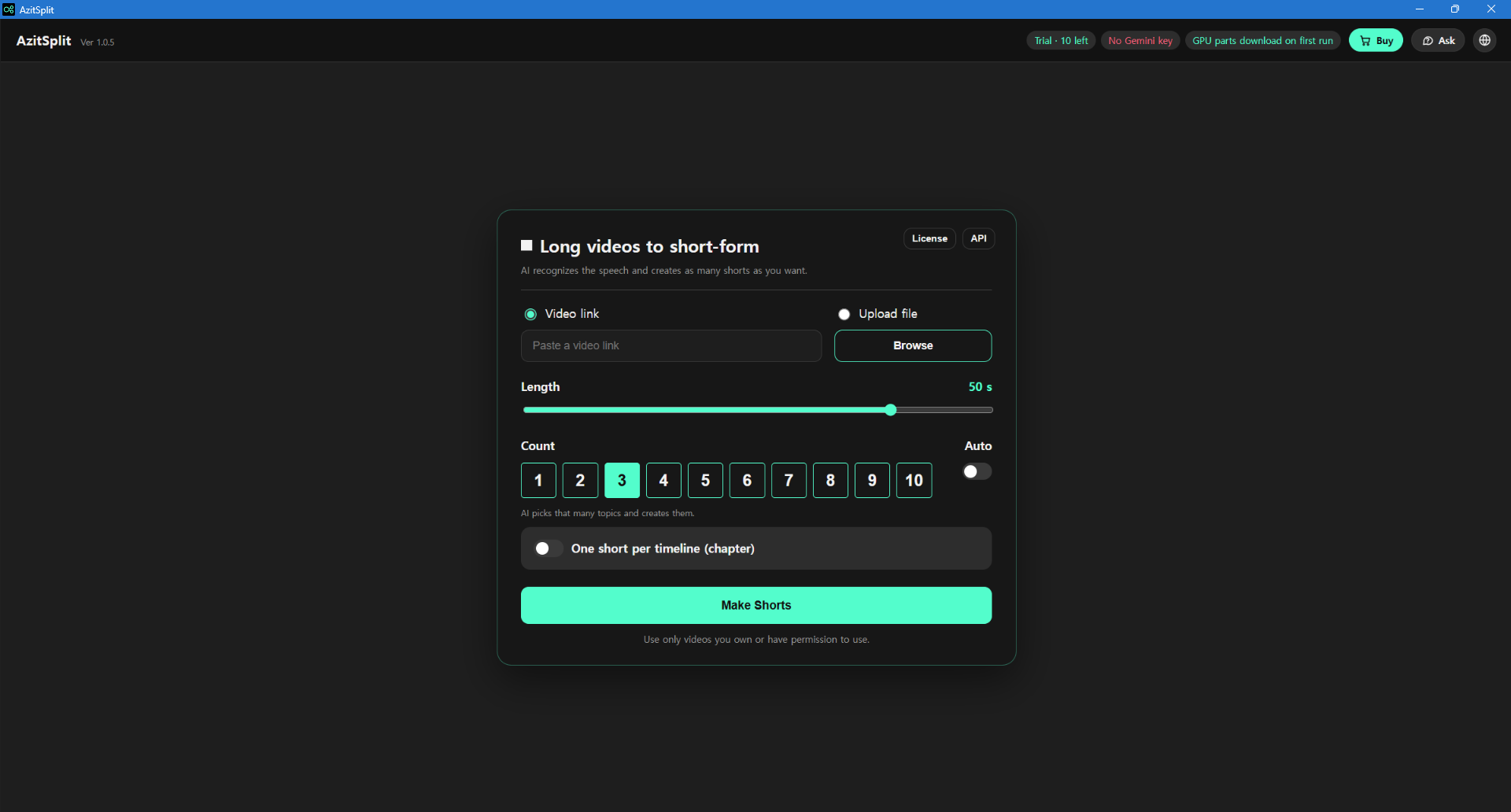
The screen
What each part of the AzitSplit start screen does: the status chips at the top, where you add a video, length and count, timelines, the License and Buy windows, Ask, and the progress screen.
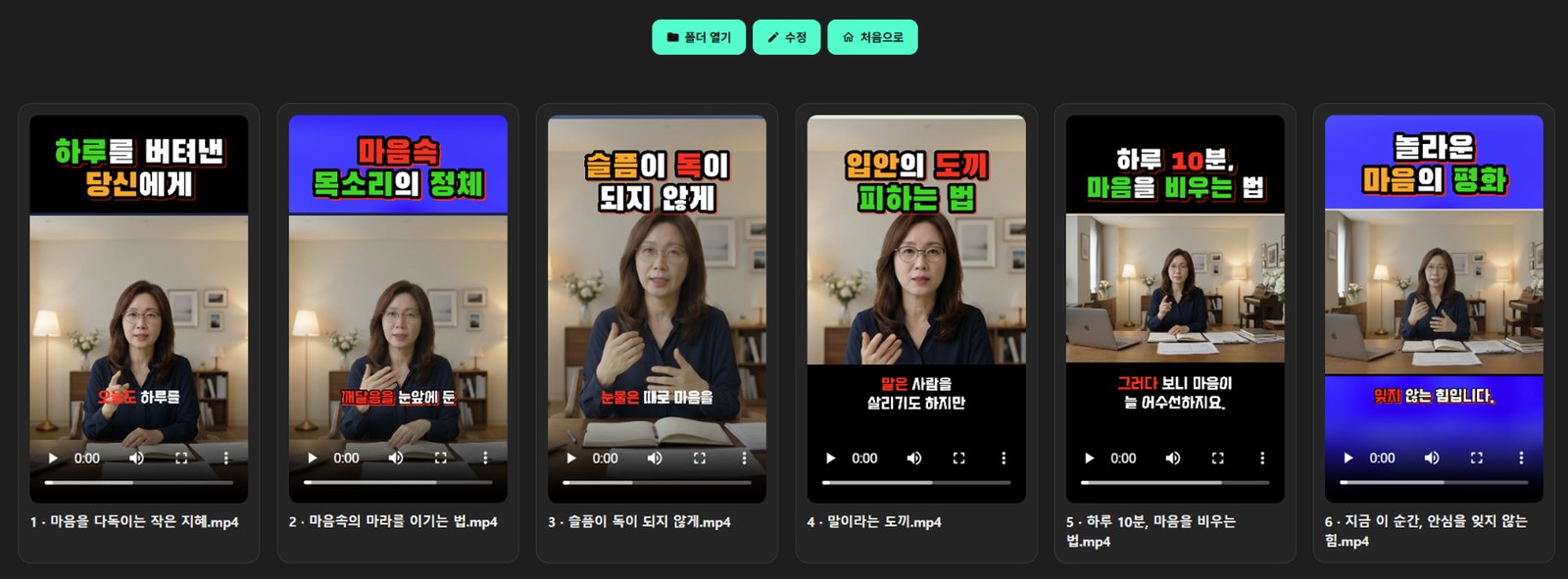
Get started
How to make your first Shorts with AzitSplit: adding a video, choosing length and count, reviewing what the AI picked, and the files you get.
Trial and full version
What you can do with the trial, how to get the full version (monthly subscription or lifetime license), and how to restore a purchase you already made.
Tips
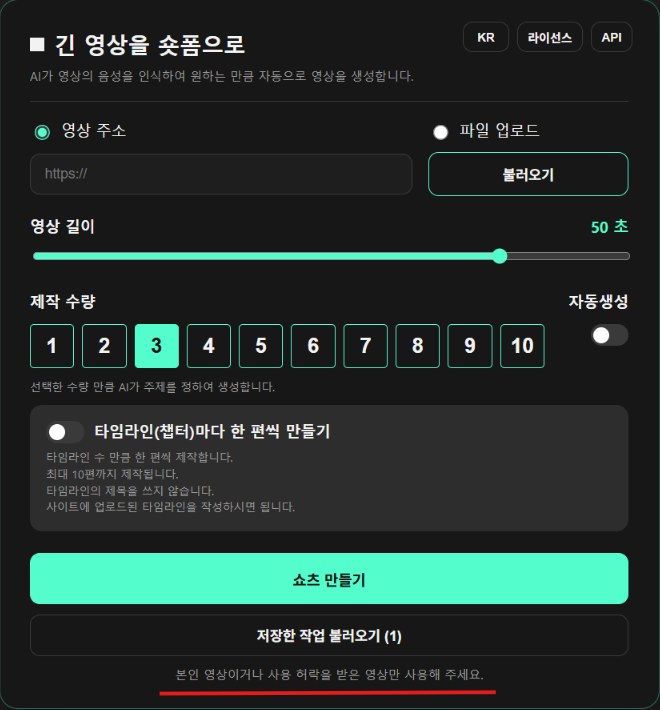
Many Shorts from one long video
The steps and tricks for pulling 5 to 10 Shorts out of an hour-long lecture or sermon: what to pick, how to cut it, and where to put the subtitles.

Sermons, talks and lectures to Shorts
Sermons and lectures make great Shorts. Which parts to pick, how to keep the speaker's own voice, and what to watch out for.

Subtitles that keep people watching
On Shorts, where most people watch with the sound off, subtitles are the video. Six subtitle tips you can use right away: lines, size, position and color.