
EN · KO
Get the trial
From talk-based long videos such as lectures, sermons and interviews, AI picks only the key sentences and turns them into vertical Shorts with subtitles and titles.
Real results from one month of making Shorts alone during development.
To automatically create and save 10 Shorts from a 1-hour source video (16GB)
Time spent picking and polishing sentences by hand
Shorts made alone in one month
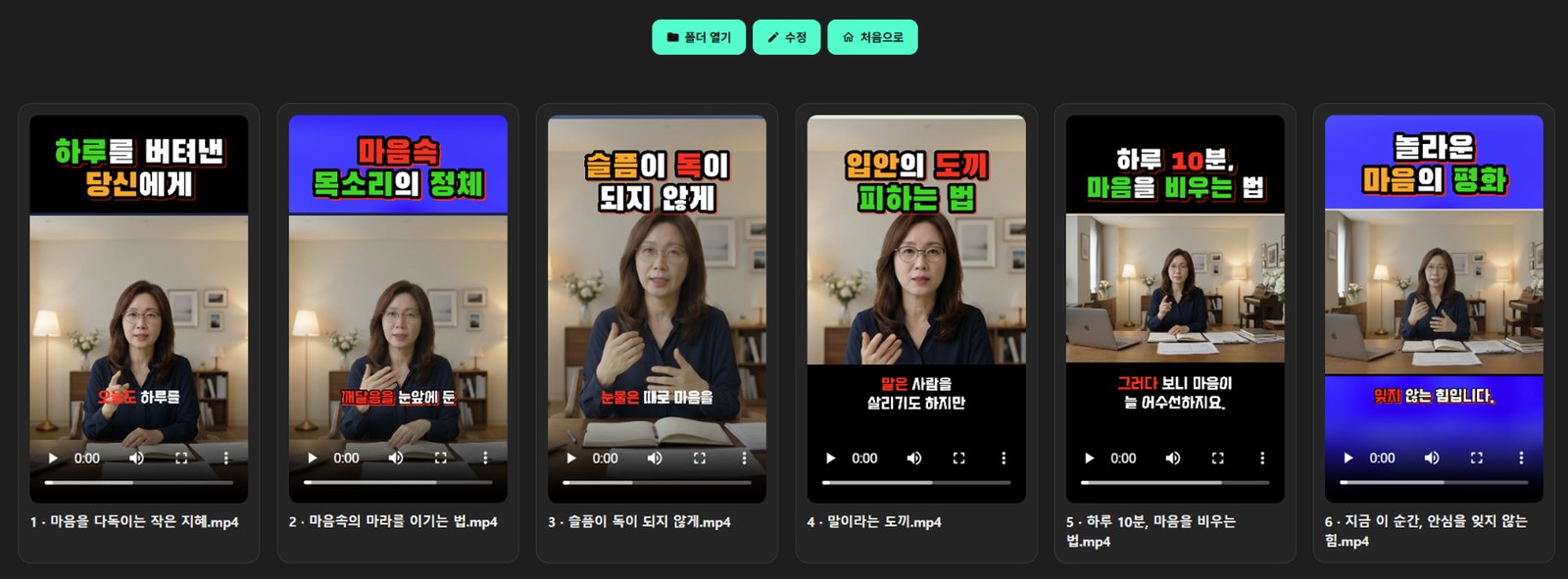
Six Shorts made from one video. When they're done, they're shown in a row and you can play them right away.
Especially good for people who regularly record long, talk-based videos.
Publish several Shorts with every long-form video. Your channel keeps moving without hiring an editor.
Lectures, seminars and consultations become promotional short-form videos, with only the key explanations and subtitles.
Pick the most memorable words from sermons and dharma talks and split them into short clips in the speaker's own voice.
Turn event and interview videos into Shorts for social media. Even staff with no editing experience can do it in a few clicks.
Lectures, news, tutorials and sermons. Change fonts, colors and backgrounds to give each channel its own look.

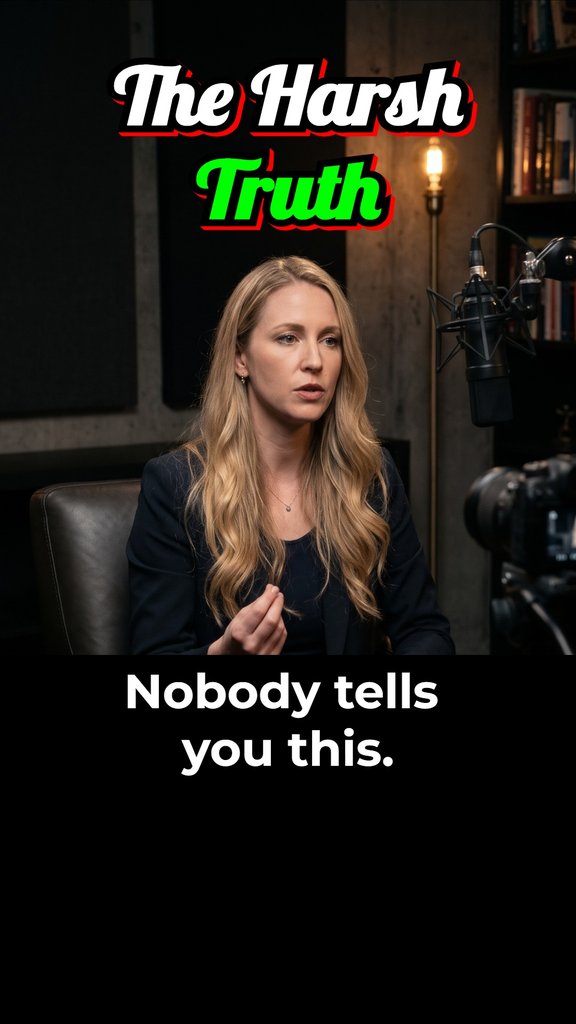

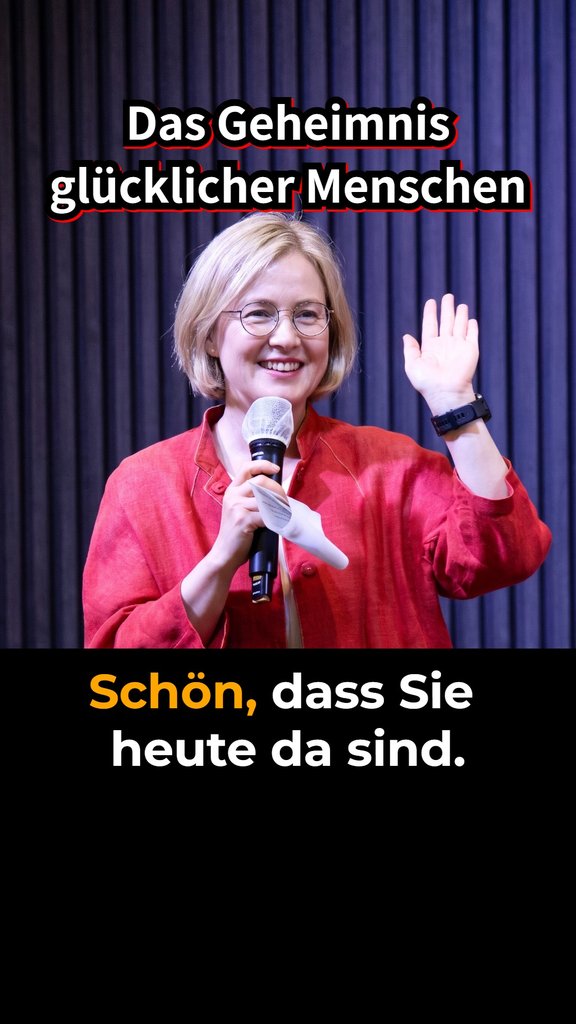
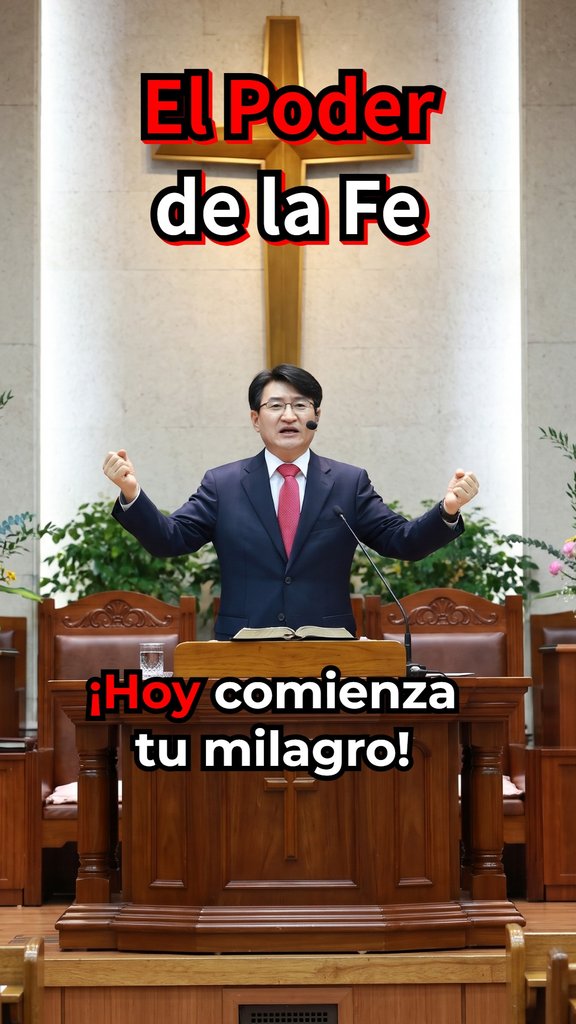
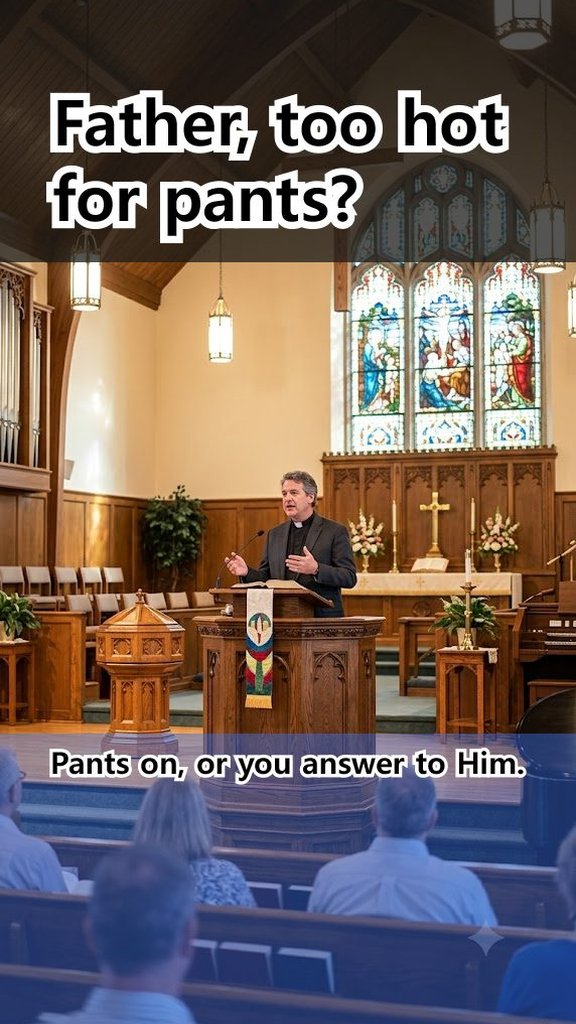



AI doesn't make up new sentences. It picks the key sentences actually spoken in the video and joins them, so the original mood and tone stay intact.
Choose 1 to 10, and AI splits the topics and makes that many. Paste timestamps (chapters) to make one Short per section.
The transcribed sentences become the subtitles. AI fixes speech-recognition typos once more, and you can choose where subtitles break.
Long pauses between words (0.3 s or more) are trimmed automatically. Each Short is set between 20 and 58 seconds.
For each video, a text file with the same name holds the title, description and hashtags. Just copy and paste them when you post to social media.
Upload to YouTube (coming soon): connect your own YouTube channel and AzitSplit will upload the Shorts you choose and schedule when they go public. Sign-in details stay on your PC (Privacy Policy).
Videos are processed right on your PC, never uploaded to a server. Sources over 16GB work as they are, with no length limit.
For your own videos or videos you have permission to use, paste the video's URL instead of a file to load it directly.
For sources shot vertically with black bars, only the actual picture area is cropped and used. You can also adjust the source size and the top and bottom backgrounds.
Save fonts, colors, backgrounds, adjustments and logo under a name, and load them in one go for the next video. Your channel keeps the same look every time.
Transcribes speech in 99 languages including Korean, English, Japanese, Chinese and Spanish, and detects the video's language automatically. The app itself is available in 7 languages: Korean, English, Japanese, Spanish, Portuguese, German and Indonesian.
On every plan, including the free trial, no AzitPlus mark is added to your Shorts. If you want, you can add only your own channel logo.
When converting horizontal video to vertical, you can set the horizontal position per scene so the speaker stays in the center. Lock the top/bottom backgrounds and the title and subtitle positions and change only the Shorts that need it.
AzitSplit is a program you install on your own PC, so the way you use it and what you pay are different.
| Typical Shorts web services | AzitSplit | |
|---|---|---|
| Uploading | Upload the source to their server (large files take ages just to upload) | No upload. Files on your PC are processed directly |
| File size | Each service has a limit | No limit |
| Pricing | Monthly subscription or credits deducted per minute of video | 10 free in the trial · unlimited with a monthly subscription or lifetime license |
| AI cost | Built into the price (which makes it more expensive) | Connect your own Gemini key (BYOK) · $0 within Google's free usage |
| Content | AI may cut and rewrite | Only sentences actually spoken, in the original voice |
| SNS upload | Many support automatic upload | Title, description and hashtag file provided |
Cost of using the top plans of major Shorts conversion services continuously, billed annually.
| Service A | Service B | Service C | AzitSplit | |
|---|---|---|---|---|
| Monthly usage limit | 600 min | 450 min | about 216 videos | Unlimited |
| Monthly price (equivalent) | $23 | $38 | $75 | $10 |
| 1 year | $276 | $453 | $897 | $89 |
| 2 years | $552 | $905 | $1,793 | $89 |
Based on each service's official pricing page (checked October 2026) · KRW prices converted at $1 = ₩1,325 · plans without annual billing use the monthly price · other services' prices may change at their discretion
AzitSplit: one-time lifetime license ($89)
Make up to 10 for free, then choose what suits you (monthly subscription or lifetime license).
Start right away, no card required
No watermark
No source size limit
Noise removal
Recognizes 99 languages worldwide
Billed monthly · cancel anytime · plus applicable tax
No watermark
No source size limit
Noise removal
Recognizes 99 languages worldwide
Pay once, keep using it · no subscription fees · plus applicable tax
No watermark
No source size limit
Noise removal
Recognizes 99 languages worldwide
All purchases and payments are made through the Microsoft Store.
See everything included in each plan ↓
Every plan has exactly the same features. The only differences are how many you can make and how you pay.
| Free | All features, no limits · 10 free Shorts in the trial |
|---|---|
| Pro | All features, no limits · monthly subscription |
| Lifetime | All features, no limits · one-time payment · use for life |
No administrator rights are needed to install.
OS: Windows 10 / 11 (64-bit)
Disk space: 5GB or more free space recommended (program + speech recognition model + your videos)
Graphics card: An NVIDIA graphics card makes speech recognition much faster. It works without one, but takes longer.
Internet: Required, for AI sentence selection and license checks. The speech recognition model (about 1.6GB) is downloaded once on your first job.
Gemini API key: Get one free with your own Google account and register it once. The app includes a guide on how to get it.
There's no file size limit, because the file is read and processed right where it is on your PC. Processing time depends on the video's length (spoken time) rather than its size.
No. Internet is needed for AI sentence selection (Google Gemini) and license checks. The video file itself is never sent over the internet; it is processed on your PC.
Yes, you need to register one once. Anyone with a Google account can get one free from Google AI Studio, and the app's [API] window has a video showing how.
BYOK (Bring Your Own Key) means you connect your own key. AzitSplit uses AI with your own Google Gemini API key. There's no charge within Google's free usage limits; beyond that, you pay Google directly. AzitPlus does not charge any separate AI fee.
The features are the same. The subscription is billed monthly and can be cancelled anytime; after cancelling, you can keep using it until the end of the period you've paid for. The lifetime license is paid once and keeps working with no extra cost, including free updates. If you plan to use it for more than 8 months, the lifetime license is cheaper.
Yes. Cancel the subscription and buy the lifetime license. Your videos and settings carry over.
You can keep using it. If AzitPlus ever ends the service, we will give full-version buyers a final version that works without license checks. A program you bought is yours to the end. (AI features connect directly to Google with your own Gemini key, so they work regardless of our servers.)
Under one minute, between 20 and 58 seconds, so viewers watch to the end. If you add so many sentences that it goes over 59 seconds, the length indicator turns red and the video won't be made.
Yes. Your work is saved automatically when videos are made, and the last 5 are kept. Use "Load saved work" on the start screen to continue editing.
Please use only videos you made yourself or have permission to use. You are legally responsible for using other people's videos without permission, and you are asked to agree to this when you first run the app.
Start now with the free trial.