
EN · KO
Get it free

AI analyzes the text to build card news slides, then adds a script, subtitles, voice-over and background music to finish a Shorts video. No design tools or video editing skills needed.
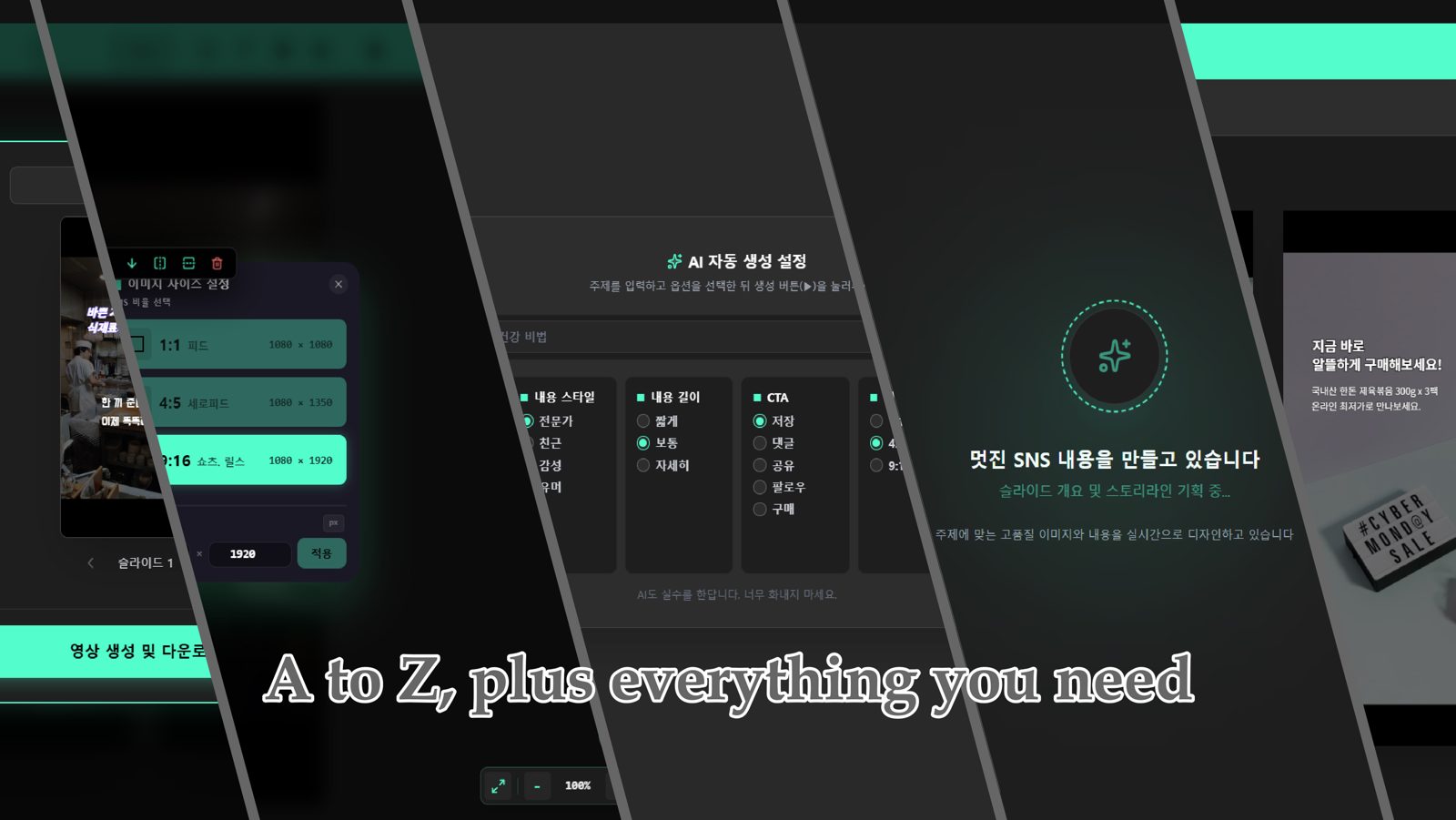
Hand the whole job to AI, or build it yourself from a blank canvas. You can switch between the two at any time.
Enter a topic, keyword or article link and AI drafts the slide layout, copy and images for you.
From the same content, create static card news images and vertical Shorts videos together.
15 languages including Korean, English, Japanese, Chinese, Spanish and French. Choose from Standard, Pro and Ultra voices and preview them first.
Pick a built-in BGM or add your own audio (MP3, WAV). A script is pulled from the slide text automatically, and you can edit each slide separately.
Numbers, English words, prices and dates in Korean scripts are read the way a person would say them, e.g. 'TOP 3' or '₩7,300'.
Switch the ratio of every slide at once between Instagram feed (1:1), portrait feed (4:5) and Shorts/Reels (9:16). Save the result as images, TTS audio (MP3), MP4 video, SRT subtitles and TXT files, or save a project file and keep editing later.
Free until the official launch.
OS: Windows PC only (Mac version in the works)
Internet: Required, for AI generation and voice-over.
Gemini API key: Get one with your own Google account and register it once.
No. In AI auto-generation mode, just enter a topic and the slides, copy and images are created. Drag to fix only the parts you don't like.
15 languages including Korean, English (US/UK), Japanese, Chinese, Spanish and French. You can preview a sample of each voice before choosing.
We provide every file you need to post on social media: images, TTS audio (MP3), MP4 video, SRT subtitles and TXT files.
AzitPlus creates new content (card news, Shorts) from text, while AzitSplit cuts an existing long video into Shorts. If your material is text, use AzitPlus; if it's video, use AzitSplit.